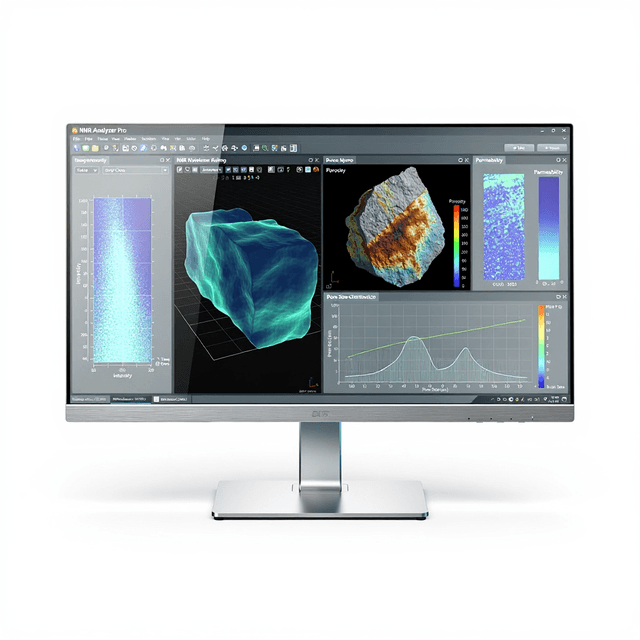
NMR Imaging Software Suite
Comprehensive MRI data acquisition and processing software supporting multiple pulse sequences, 2D/3D reconstruction, and quantitative analysis with DICOM export capabilities.

Louise Corscadden, PhD
Director of Science · ConductScience
Ask Louise about NMR Imaging Software Suite fit, setup, configuration, or quote prep.
Already working with us? Sign in to connect this with My Scientist.
Key Specifications
Full details →- Model fit
- Mouse, Rat
- SKU family
- NMS-SW-IMAGING
- Shipping box
- 80.0 x 60.0 x 80.0 cm
- Ordering
- Online checkout and quote request available
- Category
- NMR/MRI Software
- Build notes
- Confirm accessories, station layout, and support needs before purchase
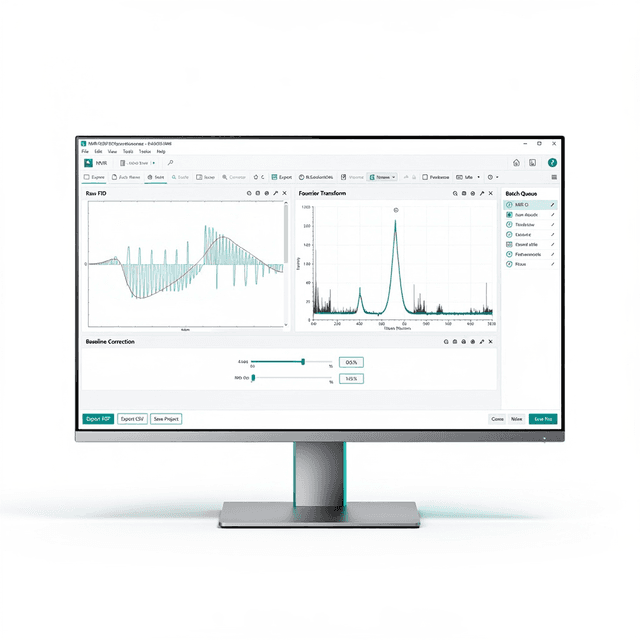
The NMR Imaging Software Suite provides a comprehensive platform for magnetic resonance imaging data acquisition and processing in research environments. This Windows-compatible software supports the complete MRI workflow from pulse sequence design through final image output, enabling researchers to configure acquisition parameters, process raw k-space data, and perform quantitative analysis of anatomical and functional imaging datasets.
The software integrates multiple pulse sequence protocols including spin echo (SE), gradient echo (GRE), inversion recovery (IR), Carr-Purcell-Meiboom-Gill (CPMG), and single-point imaging (SPI) sequences. Built-in reconstruction algorithms handle both 2D and 3D datasets, while post-processing tools enable region-of-interest analysis, signal quantification, and DICOM-compliant data export for integration with clinical imaging workflows.
How It Works
The software controls MRI data acquisition by managing radiofrequency pulse sequences and gradient switching patterns that manipulate nuclear spin magnetization in the presence of static and time-varying magnetic fields. Users configure sequence parameters including repetition time (TR), echo time (TE), flip angles, and spatial encoding gradients to optimize signal contrast for specific tissue types or experimental conditions.
Raw k-space data undergoes Fourier transformation and phase correction algorithms to reconstruct interpretable images. The software applies standard reconstruction methods including zero-filling, apodization filtering, and geometric corrections to account for gradient non-linearities and B0 field inhomogeneities. Post-processing modules enable quantitative parameter extraction through curve fitting of multi-echo or multi-repetition datasets.
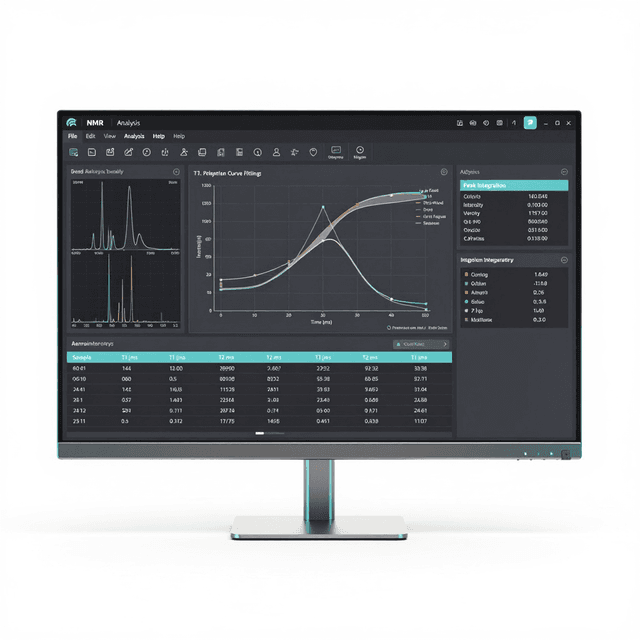
Region-of-interest analysis tools allow researchers to define anatomical boundaries and extract statistical measurements including mean signal intensity, standard deviation, and derived parameters such as T1 and T2 relaxation times. Data export functions generate DICOM-compliant files compatible with clinical imaging archives and third-party analysis software.
Features & Benefits
Platform
- Windows 10/11
Automation Level
- semi-automated
Brand
- Greenwaves Scientific
Research Domain
- Cancer Research
- Cardiovascular
- Developmental Biology
- Materials Science
- Neuroscience
- Pharmaceutical QC
Species
- Mouse
- Rat
Shipping weight
- 250.0 lb
Shipping box
- L: 80.0 cm
- W: 60.0 cm
- H: 80.0 cm
| Feature | This Product | Typical Alternative | Advantage |
|---|---|---|---|
| Pulse Sequence Variety | Five sequence types (SE, GRE, IR, CPMG, SPI) | Basic packages often include 2-3 standard sequences | Comprehensive sequence library enables diverse experimental protocols without requiring multiple software packages. |
| Data Processing Integration | Complete acquisition-to-analysis workflow in single platform | Many systems require separate acquisition and processing software | Eliminates data transfer steps and ensures parameter consistency throughout the imaging workflow. |
| Dimensional Capabilities | Both 2D and 3D acquisition and reconstruction | Entry-level software may be limited to 2D imaging only | Supports both rapid 2D monitoring studies and comprehensive 3D anatomical analysis within the same software environment. |
| Export Compatibility | DICOM 3.0 compliant export functionality | Some research packages use proprietary formats | Ensures compatibility with clinical imaging systems and regulatory submission requirements. |
| Platform Requirements | Windows 10/11 compatibility | Some systems require specialized Unix workstations | Operates on standard research computing infrastructure without specialized hardware requirements. |
The software provides comprehensive MRI workflow integration with multi-sequence support and DICOM compliance on standard Windows platforms. The combination of acquisition control, reconstruction algorithms, and quantitative analysis tools in a single package streamlines research imaging workflows compared to multi-software approaches.
Practical Tips
Perform RF power calibration and shimming routines before each imaging session to ensure optimal signal uniformity across the field of view.
Why: Proper calibration maintains consistent image quality and quantitative measurement accuracy across experimental sessions.
Use phantom imaging with known T1 and T2 values to validate sequence performance and reconstruction accuracy before biological studies.
Why: Phantom validation provides objective quality control metrics for quantitative imaging protocols.
Monitor k-space data for motion artifacts and frequency drift before proceeding with reconstruction to avoid corrupted final images.
Why: Early detection of acquisition problems prevents wasted processing time on compromised datasets.
Regularly update pulse sequence libraries and ensure consistent software version across all imaging workstations in the laboratory.
Why: Version consistency prevents protocol compatibility issues and ensures reproducible results across different operators.
Check gradient field stability and RF coil connections if reconstructed images show geometric distortions or signal dropout regions.
Why: Hardware issues often manifest as systematic image artifacts that can be distinguished from biological signal variations.
Configure automated data backup to network storage systems to prevent loss of large imaging datasets during extended acquisition sessions.
Why: MRI datasets can exceed several gigabytes per session, making data loss particularly costly for longitudinal studies.
Implement standardized ROI placement protocols using anatomical landmarks to ensure consistent quantitative measurements across subjects and time points.
Why: Reproducible ROI analysis is critical for detecting small signal changes in longitudinal imaging studies.
Setup Guide
What’s in the Box
- NMR Imaging Software Suite installation media
- Software license key and documentation
- User manual and quick start guide
- Hardware interface drivers
- Sample pulse sequence library
- Phantom imaging protocols (typical)
- Technical support contact information
Warranty
ConductScience provides a standard one-year manufacturer warranty covering software defects and technical support for installation and operation. Extended support packages include software updates and advanced training resources for specialized imaging applications.
Compliance
Which pulse sequences are supported for quantitative T1 and T2 mapping?
The software includes inversion recovery (IR) sequences for T1 mapping and CPMG multi-echo sequences for T2 mapping. Both support automated curve fitting for quantitative relaxometry analysis.
Can the software process data from multiple imaging sessions simultaneously?
Yes, the platform supports batch processing of multiple datasets and can handle concurrent reconstruction operations, though processing speed depends on system specifications and image matrix sizes.
What are the DICOM export capabilities for regulatory submissions?
The software generates fully compliant DICOM 3.0 files with embedded metadata including acquisition parameters, patient information, and image orientation data required for clinical archives and FDA submissions.
How does the software handle gradient non-linearity corrections?
Built-in geometric correction algorithms compensate for gradient field non-linearities using system-specific calibration files, ensuring accurate spatial representation in reconstructed images.
Can custom pulse sequences be imported or developed within the platform?
The software supports loading of user-defined pulse sequences compatible with Greenwaves Scientific MRI systems, though sequence development requires knowledge of the system's programming interface.
What are the system requirements for optimal performance with large 3D datasets?
Consult product datasheet for specific RAM and storage requirements. Generally, 3D imaging applications benefit from high-performance workstations with adequate memory for handling large k-space arrays.
How does this compare to standalone reconstruction software packages?
This integrated suite eliminates the need for separate acquisition and processing software, reducing workflow complexity and ensuring parameter consistency between acquisition and analysis phases.
Have a question about this product?
Have a question? Just ask.
Send it over and we'll email you a personalized answer — no call, no scheduling.
Prefer to talk it through?
Accessories
Enhance your setup with compatible accessories