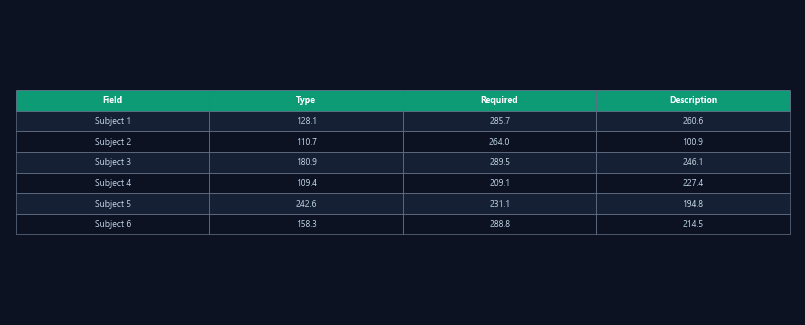
Recording submission
Upload video files and specify analysis parameters — maze type, detection model, zone definitions — via API call.
RESTPython SDK
Integrate ConductVision analysis into your data pipeline
Submit recordings, configure analysis parameters, and retrieve results programmatically — REST API for any language, Python SDK for rapid integration.
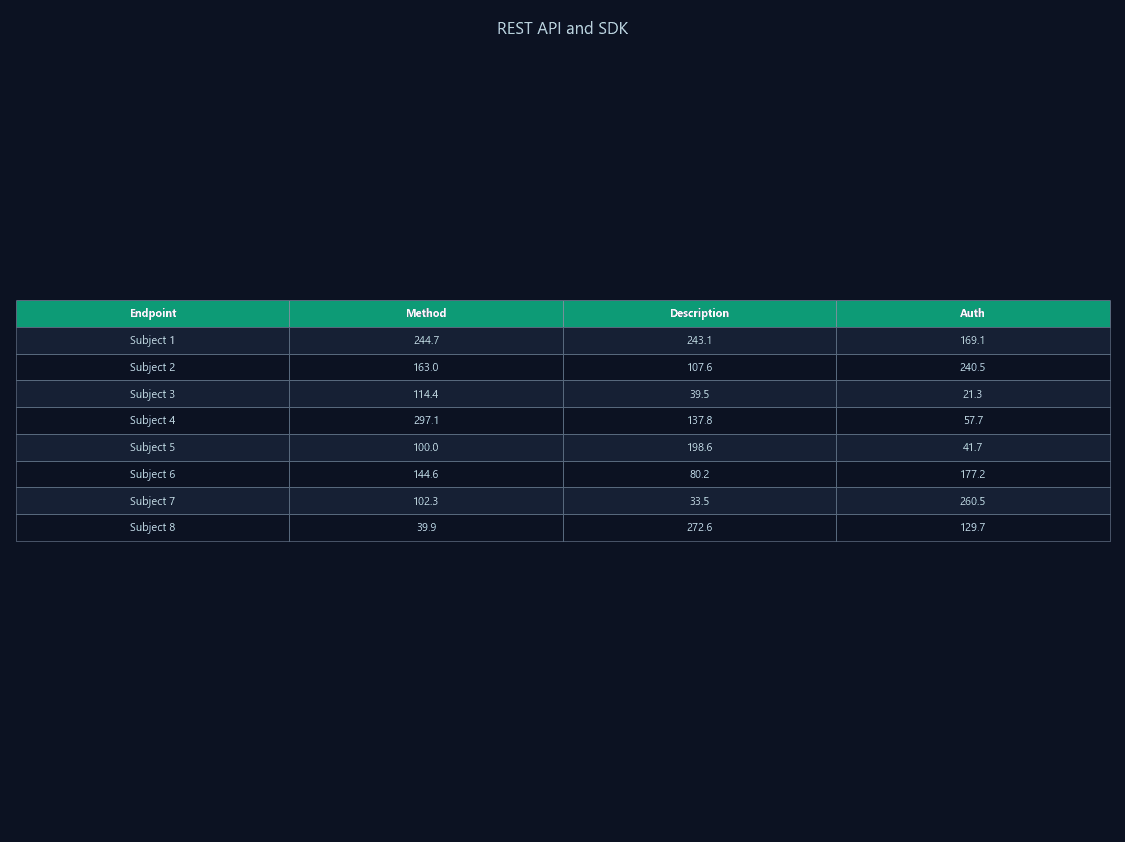
When every analysis requires manual GUI interaction, integration with LIMS, automated overnight processing, and custom analysis scripts becomes impossible. Labs with high throughput cannot afford to manually load, configure, and export each recording.
ConductVision exposes tracking and analysis functions through a REST API. The Python SDK wraps common workflows — submit a recording, poll for completion, download results — into single function calls.
Upload video files and specify analysis parameters — maze type, detection model, zone definitions — via API call.
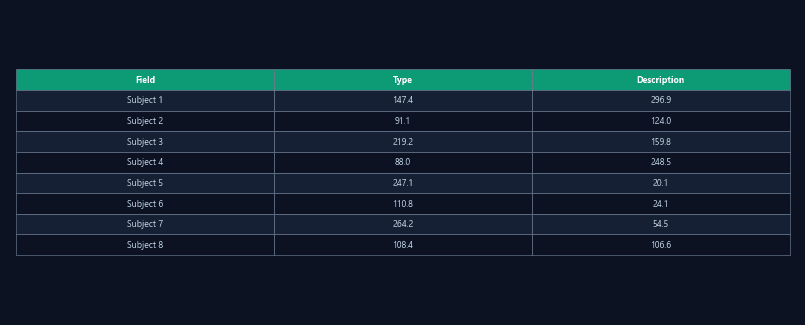
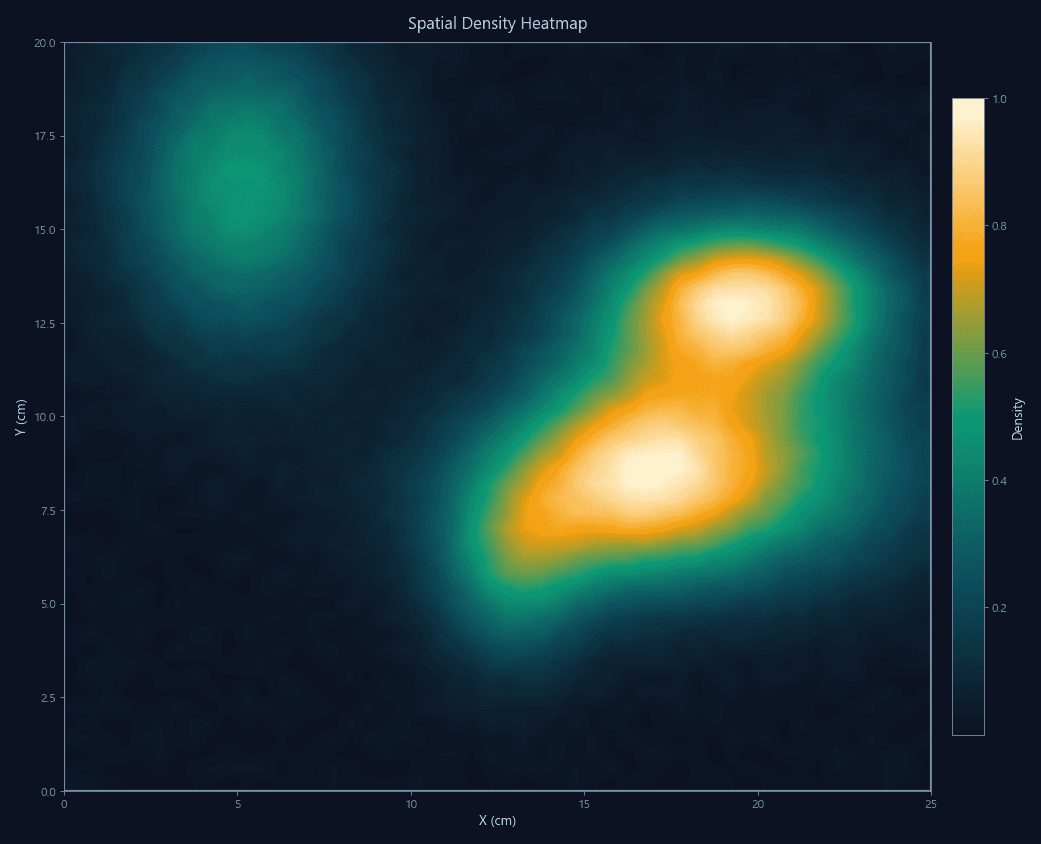
Download tracking results, heatmaps, annotated videos, and summary statistics in standard formats via authenticated endpoints.
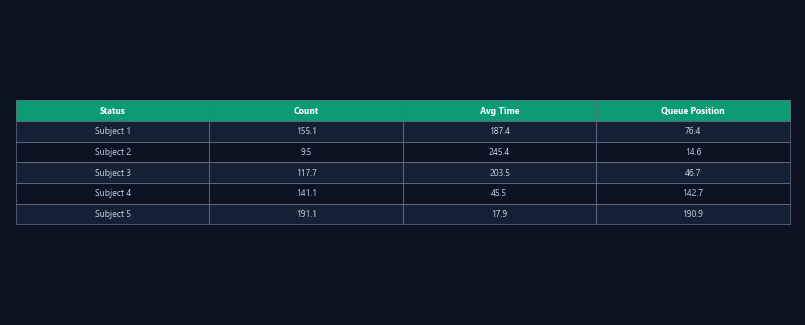
Submit multiple recordings, monitor job progress, and retrieve results for entire cohorts through batch endpoints.
Connect ConductVision to your LIMS — recording metadata flows in, behavioral results flow out, automatically linked to animal IDs and study protocols.
Submit the day's recordings via script at end of day. Results ready by morning without manual intervention.
Pull tracking data into custom R or Python analysis pipelines for lab-specific statistics, modeling, or visualization.
Multiple sites submit recordings to a central API. Aggregated results enable multi-site preclinical studies with standardized analysis.
| Feature | ConductVision | Typical systems |
|---|---|---|
| API access | Full REST API | GUI only |
| SDK | Python SDK included | No SDK |
| Batch submission | Multi-recording batch endpoints | One-at-a-time manual |
| Pipeline integration | Webhook + polling + streaming | Manual export |
| Authentication | API key + token-based auth | N/A |
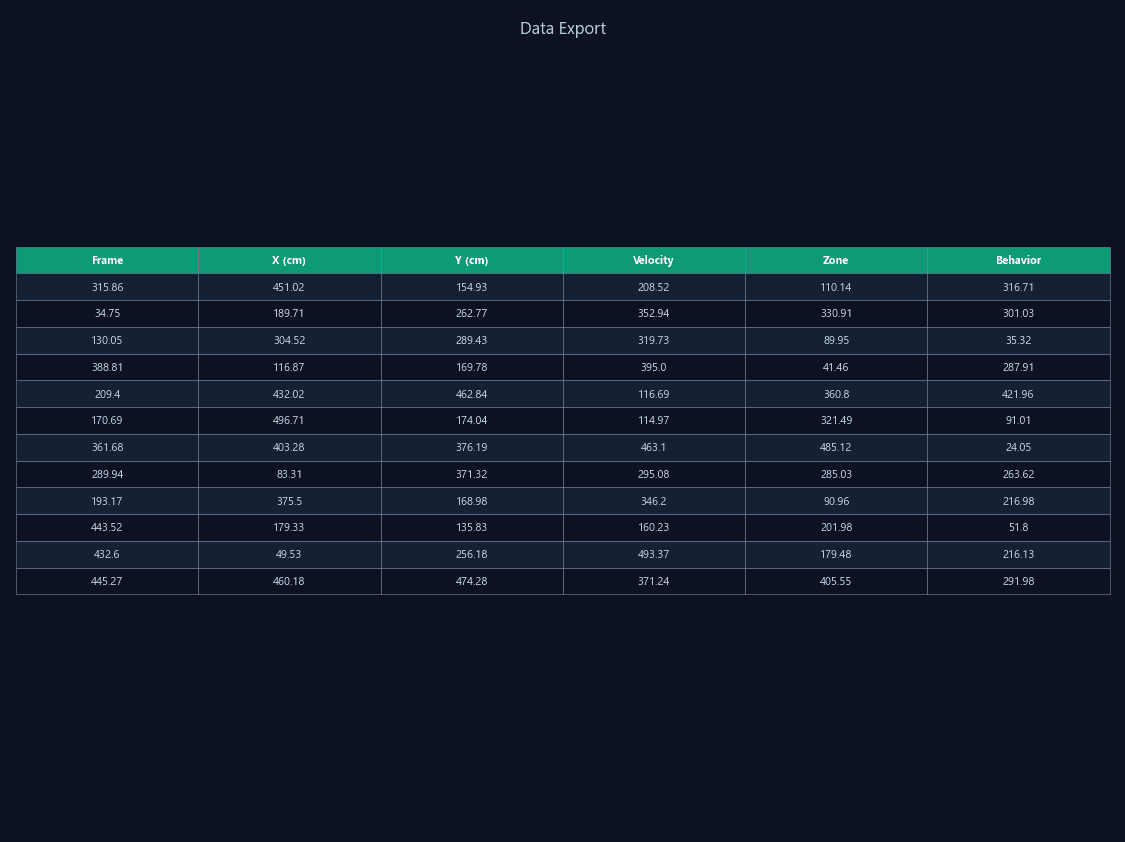
Standard CSV/JSON export compatible with any statistical software or analysis pipeline.
Parallel arena recording and automated batch processing for high-throughput behavioral studies.
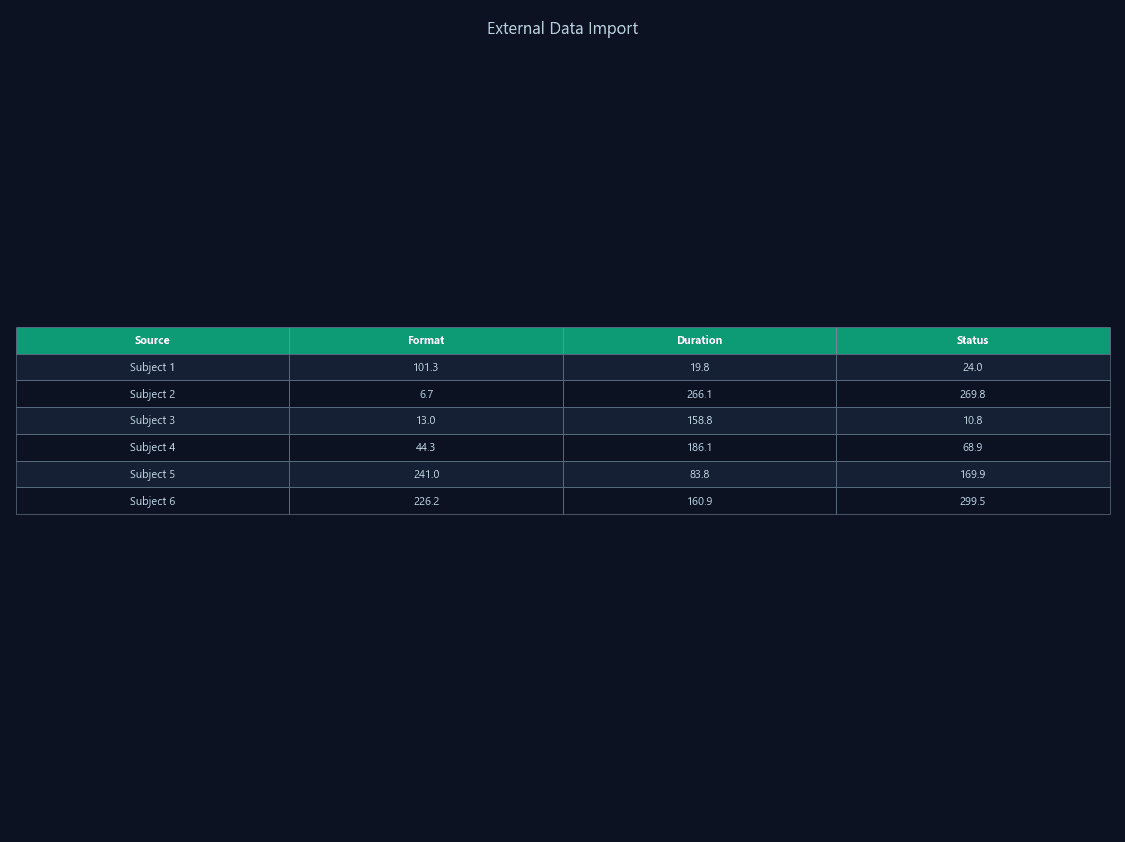
Re-analyze existing video recordings with ConductVision without re-recording experiments.
Get API credentials and start submitting recordings programmatically.