Re-analyzed behavioral data
Full ConductVision analysis — position, velocity, zone, behavior — applied to imported recordings. Identical output format to live sessions.
CSVJSONMP4
Import recordings from existing setups and re-analyze with ConductVision
You do not need to re-record your experiments. Import existing video files — any standard format — and apply ConductVision analysis to legacy recordings.
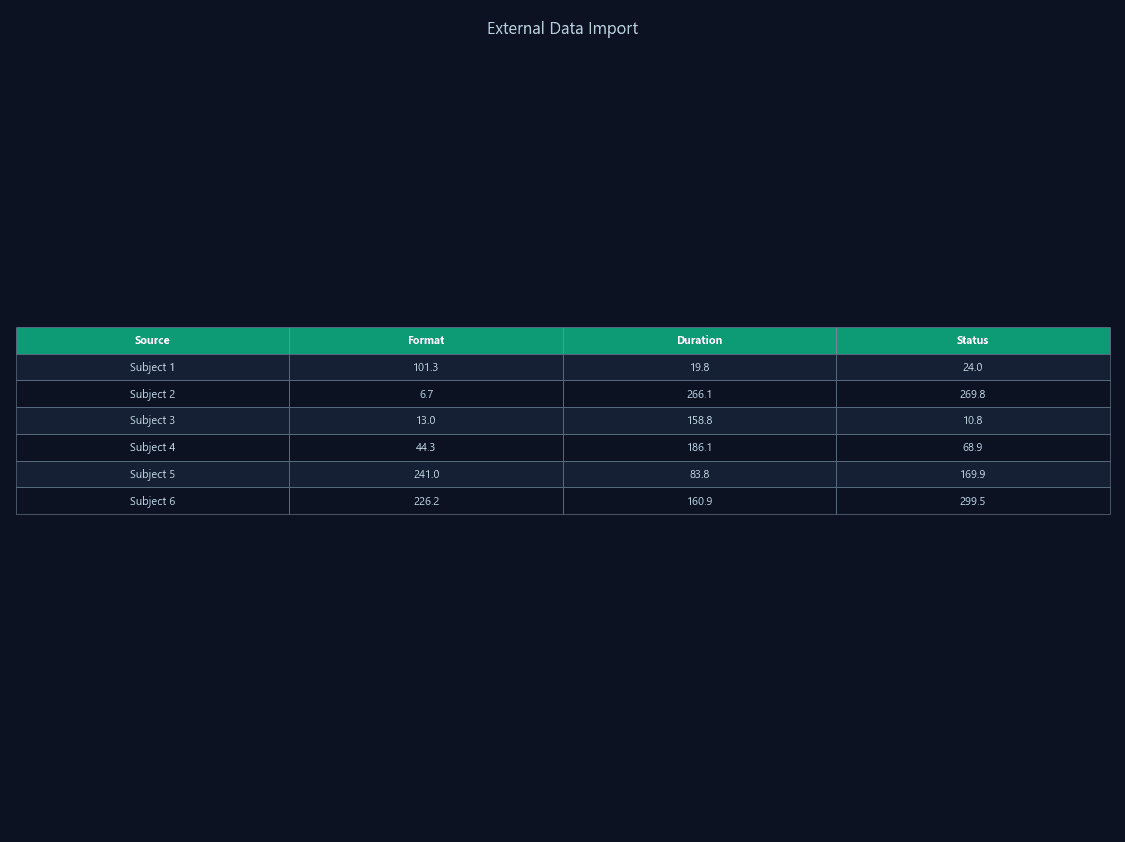
When evaluating new tracking software, researchers face the prospect of re-running experiments to generate new recordings. Archived video from previous tools may be in incompatible formats or require proprietary software to access.
ConductVision imports standard video formats (AVI, MP4, MKV) from any recording system. Apply the full analysis pipeline — tracking, behavior classification, zone analysis — to your archived recordings.
Full ConductVision analysis — position, velocity, zone, behavior — applied to imported recordings. Identical output format to live sessions.
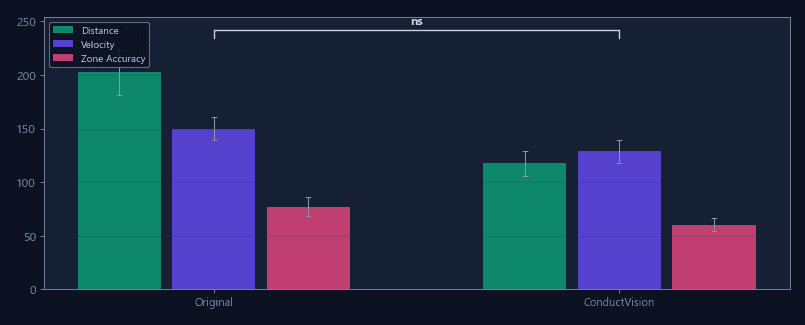
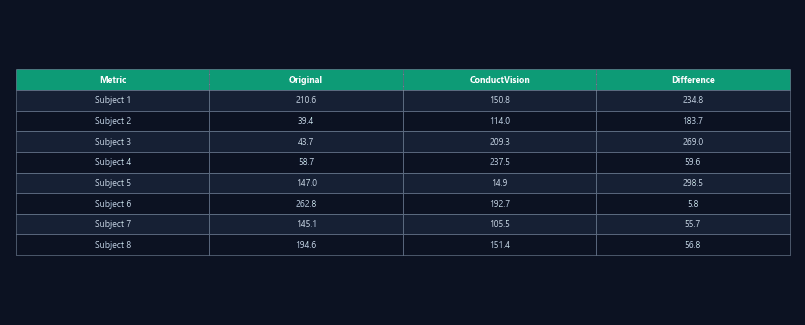
Side-by-side metrics comparing ConductVision re-analysis with original results from your previous tracking tool.
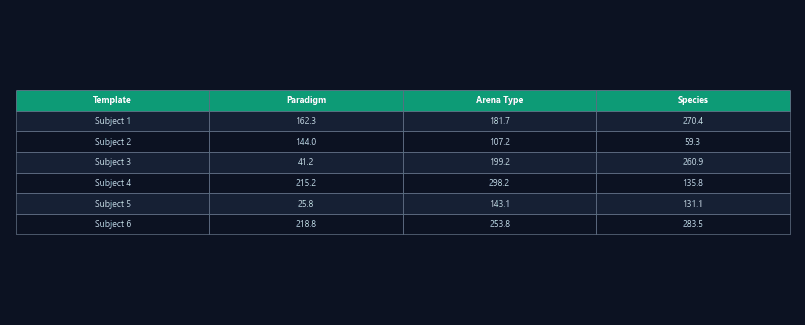
Pre-configured analysis templates for common import scenarios — open field, elevated plus maze, water maze — that auto-detect arena and apply appropriate settings.
Import recordings from your current setup and compare ConductVision results against your existing analysis. Evaluate on your actual experimental conditions.
Re-analyze archived recordings with ConductVision during the transition period. Verify that endpoint values are consistent before fully switching.
As detection and classification models improve, re-analyze older recordings to extract endpoints that were not available in the original analysis.
Import recordings that were previously scored manually and apply automated tracking and classification. Compare against manual scores for validation.
| Feature | ConductVision | Typical systems |
|---|---|---|
| Video format support | AVI, MP4, MKV, standard codecs | Proprietary or limited formats |
| Import workflow | Drag and drop, auto-detect paradigm | Format conversion required |
| Re-analysis | Full pipeline on imported video | Not supported |
| Comparison mode | Side-by-side with previous results | Not available |
| Camera compatibility | Any camera, any resolution | Recommended cameras only |
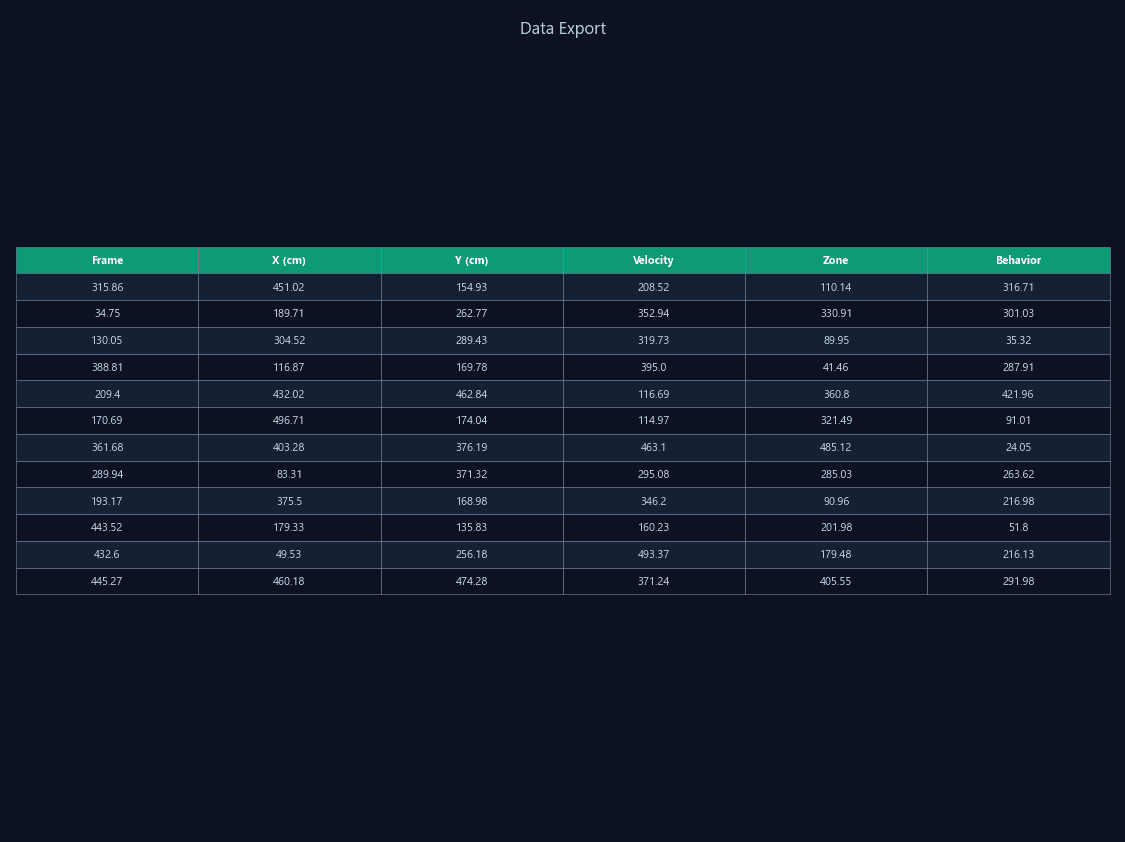
Standard CSV/JSON export compatible with any statistical software or analysis pipeline.
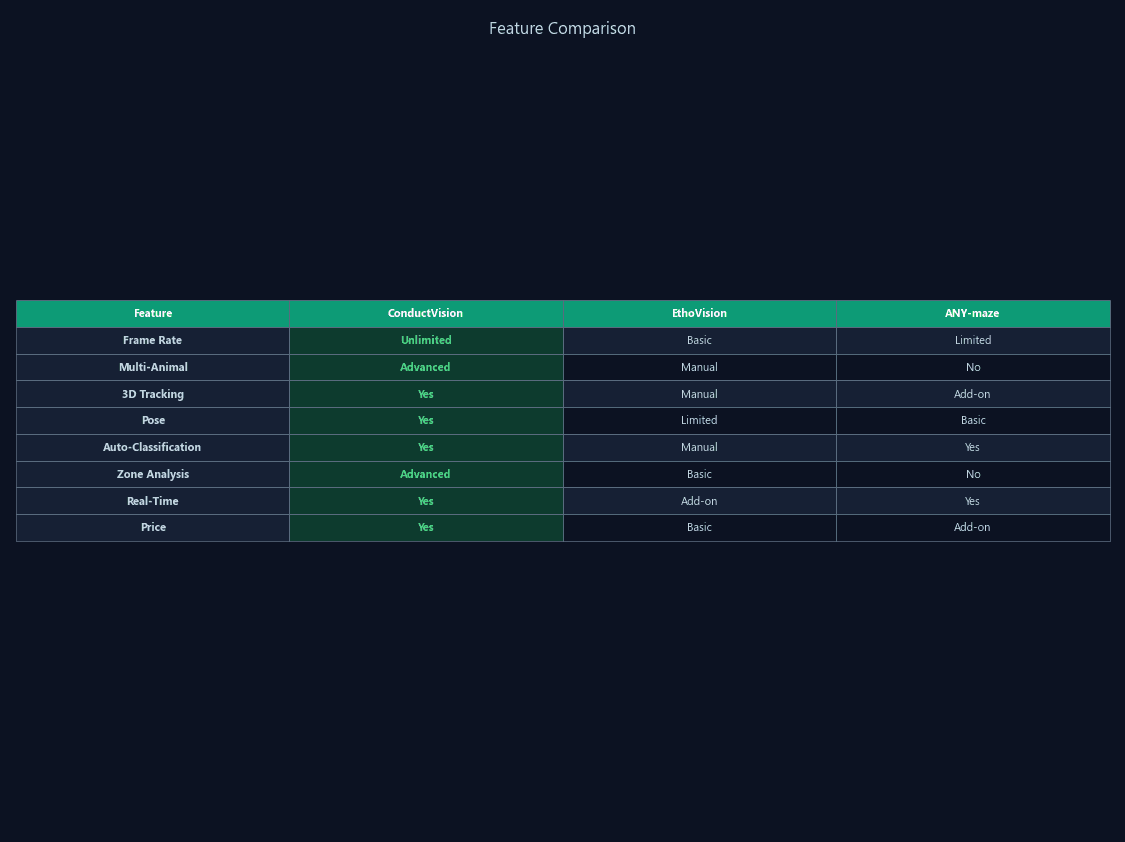
Side-by-side feature and performance comparison with conventional tracking software.
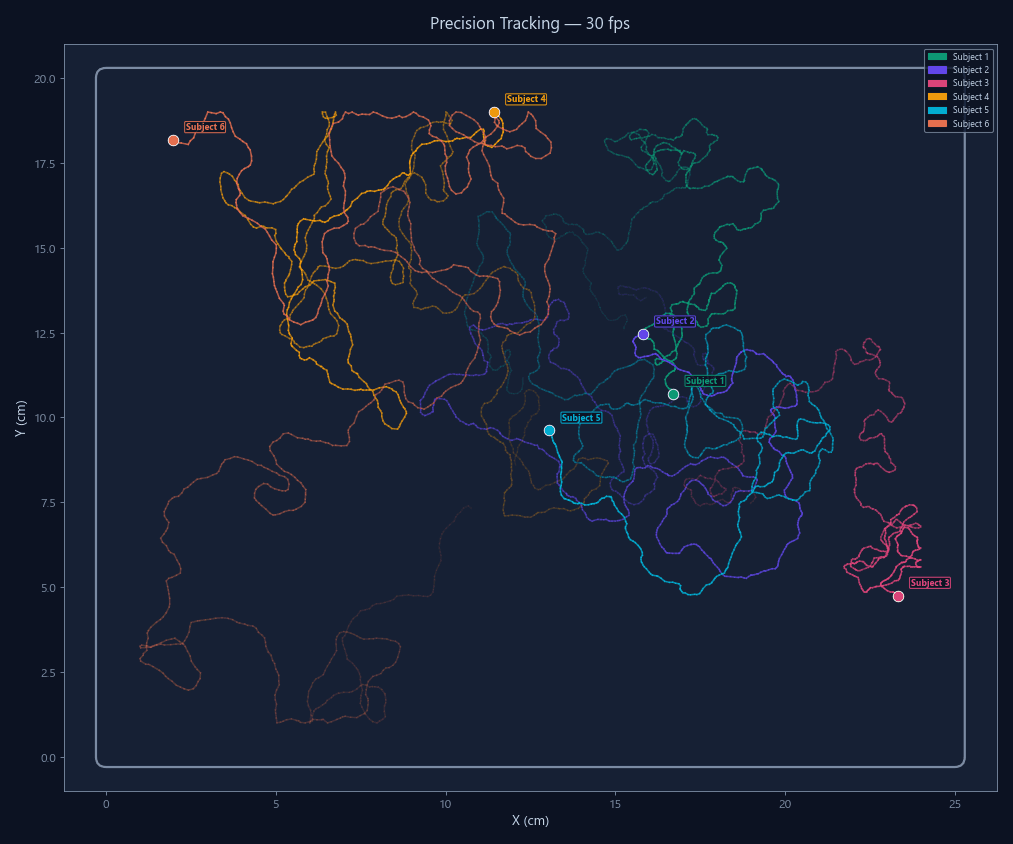
High-resolution 30 fps tracking that captures sub-second behavioral events conventional systems miss.
Download the trial, import an existing video file, and see ConductVision analysis applied to your data.