Offline animal behavior tracking
Run ConductVision offline
The ConductVision desktop software installs on your lab's computers. Video, tracking results and settings stay on those computers, and after activation it runs with no internet connection.
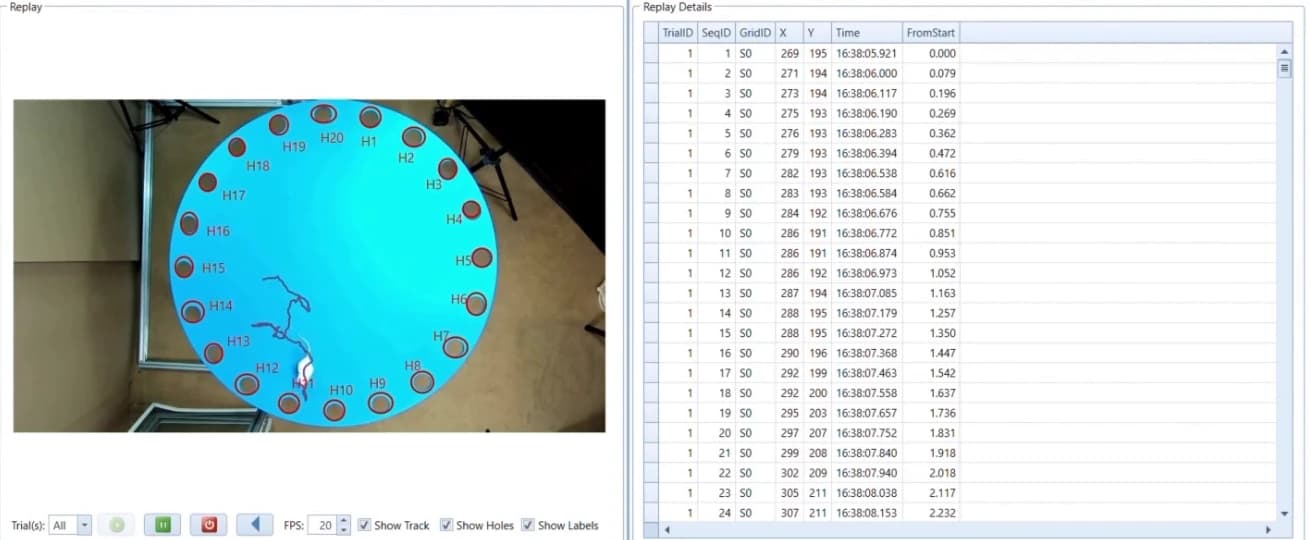
Which ConductVision tools this covers
- ConductVision desktop software
- Tracks animal behavior on Windows lab computers. After activation, tracking and analysis need no internet connection.
- ConductVision web platform
- At vision.conductscience.com, send one clip of a behavior test and get your results back by email, free. To run the web platform on a server in your own network, talk to us and we plan the setup with your IT team.
Why labs run tracking offline
Video stays on your network
Arena recordings and tracking results stay on your computers or your own storage. Nothing leaves the building to be analyzed.
Works in the animal facility
Behavior rooms and vivarium corridors often have weak or blocked internet. Tracking runs on the computer beside the rig, so a lost connection does not stop a session.
Large video files stay put
Hours of arena video make large files. Analyze them where they are saved, with no upload step.
Fits your data rules
When your institution or a data-use agreement asks where study video is kept, the answer is on computers your team controls.
Updates when you choose
Your analysis setup stays the same until your IT team installs an update.
How the offline setup works
Installed on your computers
The desktop software installs on a Windows computer beside your rig. A shared setup can run on a server inside your network.
Your organization's sign-in
On a server setup, people sign in with your organization's accounts. The desktop software is activated with a license key on each computer.
Updates on your schedule
Updates install when your IT team applies them.
Backups where you choose
Video and results are saved where you choose, and your IT team decides where backups go.
Tracking models run on site
The tracking models run on your computer or server, so video is analyzed where it is stored.
Your lab network
- Camera and arena
- Lab computer running ConductVision
- Your storage and backups
Internet: not needed after activation
What stays the same
Offline, the desktop software tracks and analyzes the same way.
Species. Track mice, rats, zebrafish and Drosophila.
Zones. Draw zones and measure time in zone, entries and latency, with heat maps and ethograms.
Video. Analyze recorded video (MP4, AVI, MOV, MKV or TIFF image sequences) or track live from USB and IP cameras.
Export. Export results as CSV, Excel or JSON for R, Python, SPSS or GraphPad Prism.
Getting set up
Offline setup is arranged with your IT team. Together we work out which computers or server to use, and the sizing and timing.
Need a computer? We can supply one with ConductVision installed and checked against the system requirements.
Questions
- Does ConductVision need an internet connection?
- The desktop software does not. After the license is activated, tracking and analysis run with no internet connection.
- Where are our videos and results stored?
- On your computers. The desktop software keeps video files, tracking results and settings on the computer where it runs. Your team decides where backups go.
- How do updates work?
- Updates install when your IT team applies them, so your analysis setup stays the same until then.
- How does licensing work?
- Each desktop license is activated with a license key. After purchase, the key appears in your My Account dashboard. Licensing for a server setup is agreed with your team.
- What computer do we need?
- A Windows computer with a dedicated NVIDIA graphics card. Check a lab PC against the full requirements on the compatibility page, or have us supply a computer with ConductVision installed. For a server setup, sizing is worked out with your IT team.
- Where does the tracking model run?
- On your computer or server. The tracking models are installed with the software, so video is analyzed where it is stored.
- Is the ConductVision web platform still available?
- Yes. Send one clip of a behavior test at vision.conductscience.com and we email your results, free. If you want the web platform on a server in your own network, ask for an offline setup through the form on this page.
Talk to us about offline
Tell us about your rigs and your network. We reply by email to set up a call, then plan the setup with your IT staff.