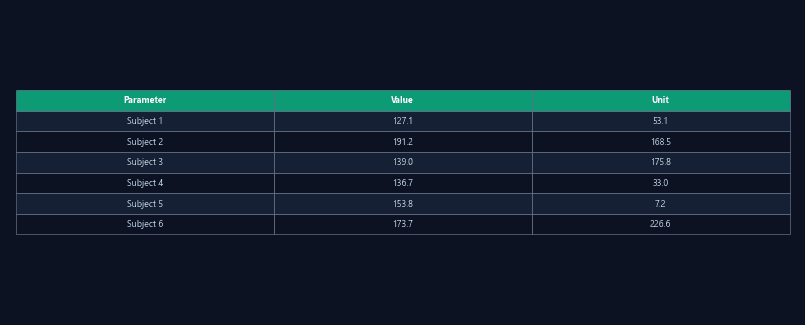
Calibration parameters
Pixels-per-centimeter factor, detected arena boundaries, and confidence score for the calibration fit.
JSON
One-click spatial calibration for accurate real-world measurements
Enter known arena dimensions and ConductVision auto-detects arena edges, computes the pixel-to-centimeter conversion factor, and persists the calibration across sessions.
Placing a ruler in the frame, counting pixels, and computing a conversion factor is tedious and must be repeated whenever the camera moves. Errors in this step propagate to every distance and velocity measurement in the experiment.
Enter the known arena dimensions (diameter for circular, length/width for rectangular). ConductVision detects the arena boundaries in the image and computes the conversion factor automatically. Calibration persists across sessions until the camera is moved.
Pixels-per-centimeter factor, detected arena boundaries, and confidence score for the calibration fit.
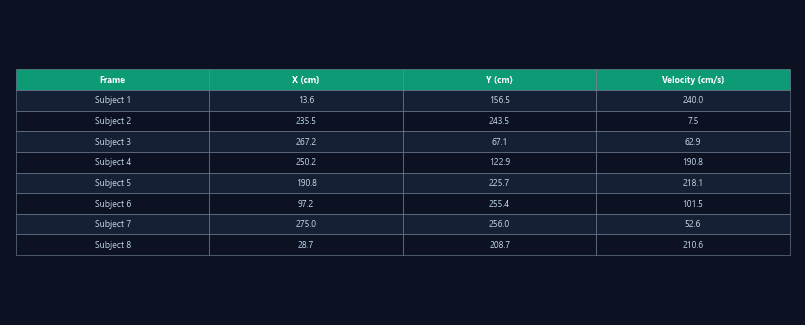
All spatial measures (distance, velocity, zone dimensions) reported in real-world units (cm, cm/s) rather than pixels.
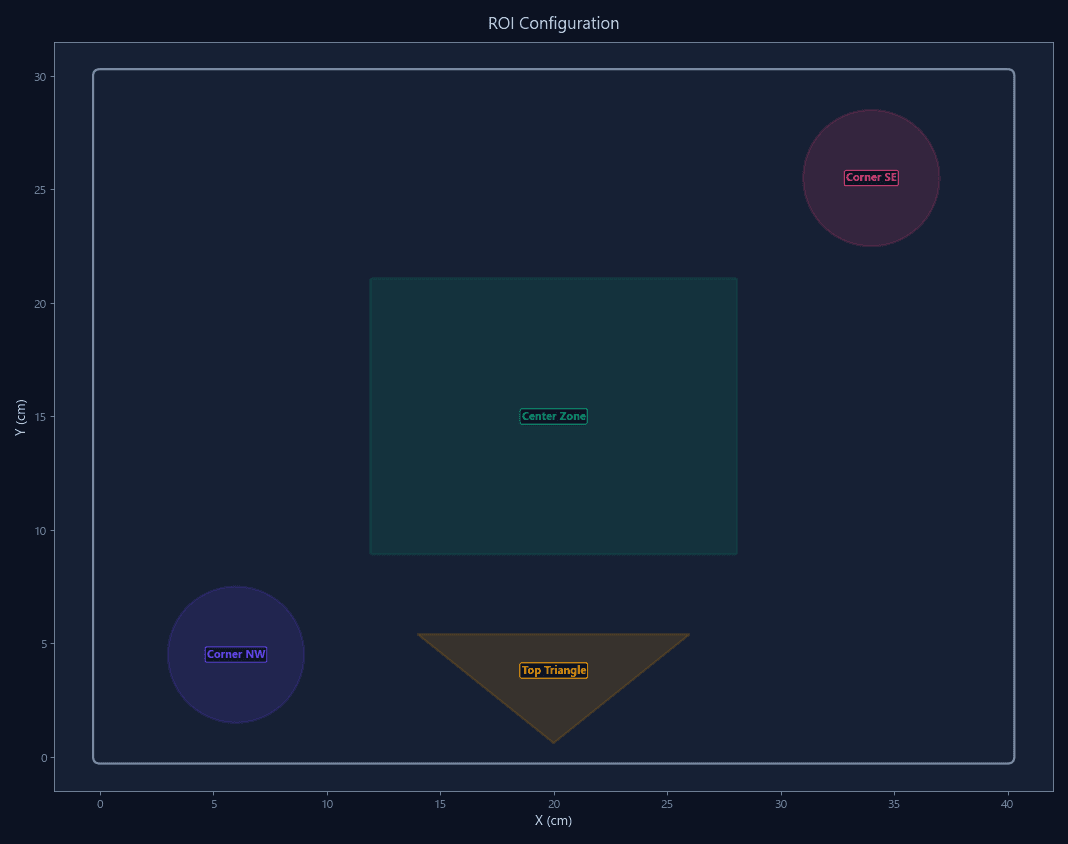
Visual confirmation of detected arena edges overlaid on the video frame for verification before starting acquisition.
Total distance traveled and instantaneous velocity in cm and cm/s — comparable across different camera setups and arena sizes.
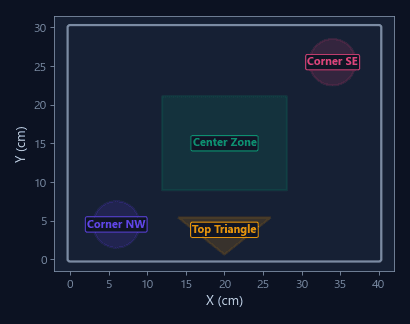
Define zones in centimeters rather than pixels — a "2 cm proximity zone" means the same thing regardless of camera height.
Different arena sizes and camera heights produce different pixel scales. Calibration normalizes all data to real-world units for direct comparison.
Weeks-long studies do not require recalibration unless the camera is physically moved. Saves setup time and eliminates calibration drift.
| Feature | ConductVision | Typical systems |
|---|---|---|
| Calibration method | Automatic arena edge detection | Manual ruler placement |
| Calibration persistence | Saved per arena, reloaded | Re-calibrate each session |
| Multi-camera support | Cross-camera alignment included | Single camera only |
| Accuracy | Sub-millimeter | Depends on ruler placement |
| Setup time | Under 10 seconds | 2-5 minutes per arena |
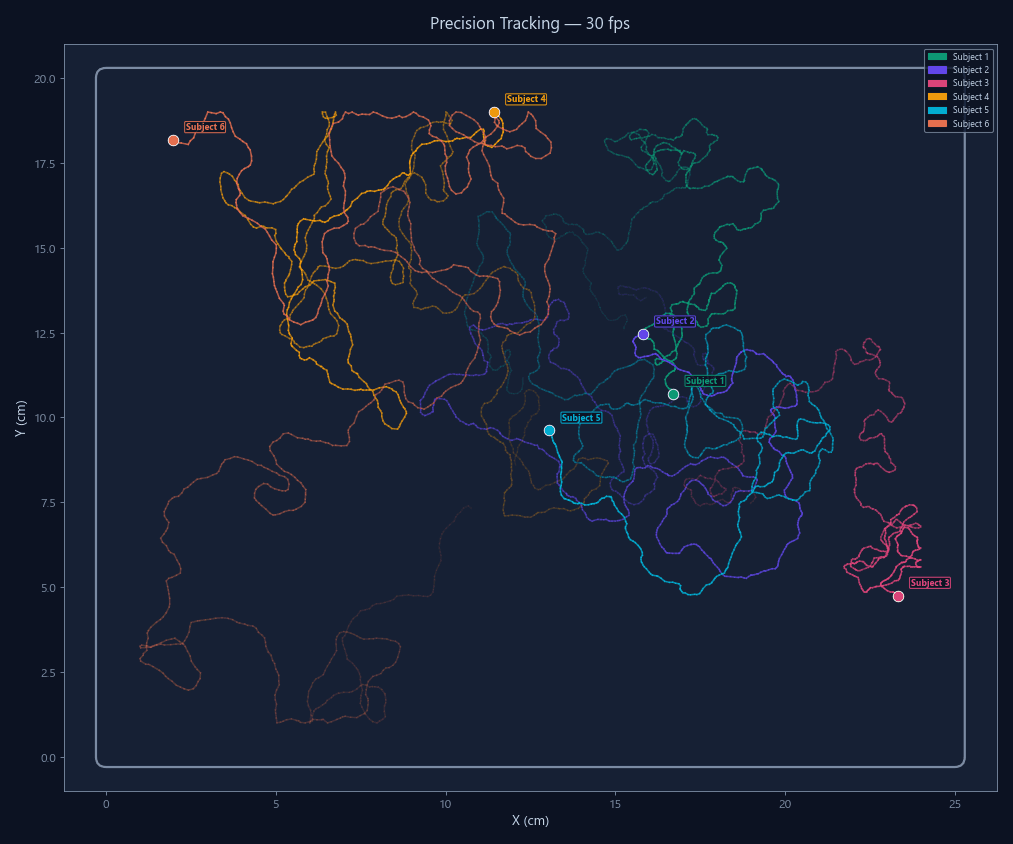
High-resolution 30 fps tracking that captures sub-second behavioral events conventional systems miss.
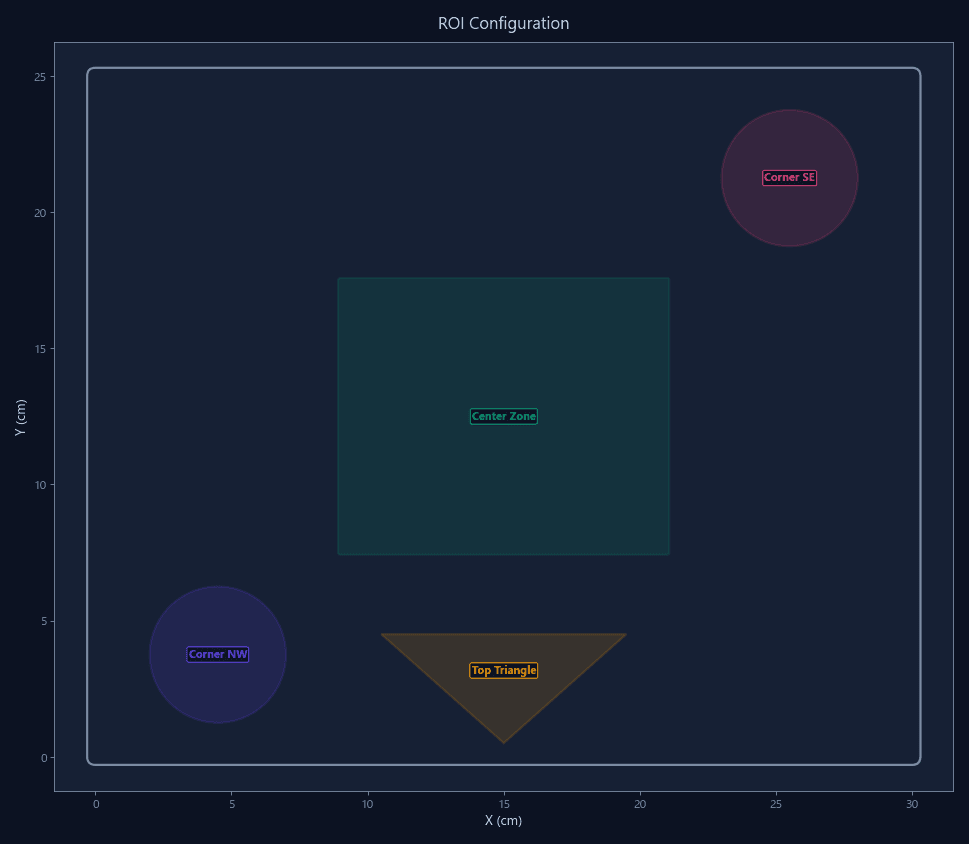
Visual ROI editor with drag-and-drop zone drawing and real-time occupancy preview.
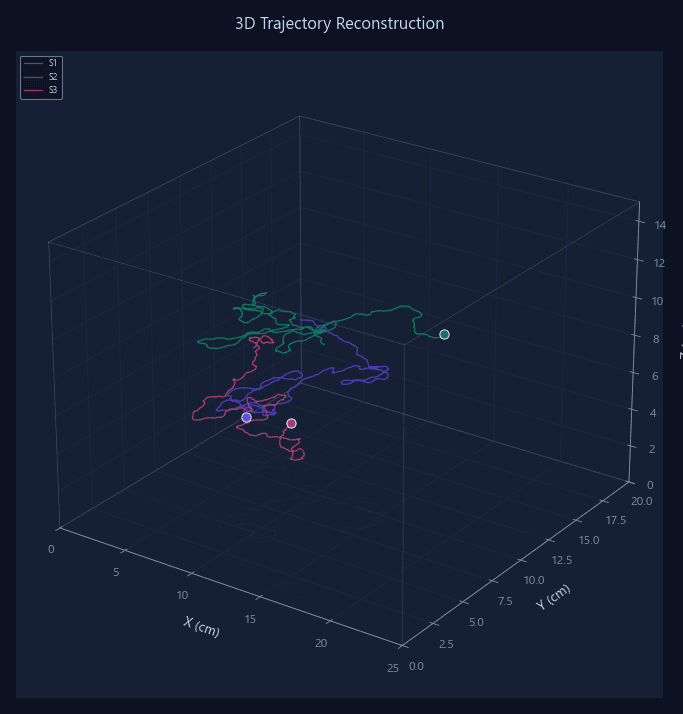
Full X/Y/Z coordinate reconstruction from calibrated multi-camera arrays for vertical behavior quantification.
Enter your arena dimensions and start tracking in calibrated real-world units immediately.