Automated cell counting software
ConductVision Image counts the cells and colonies in your brightfield, fluorescence and agar plate images, and shows on your image what it counted, for you to check.
You take the images with your own microscope or camera.
 Your image
 Counted
What you get
A count for every image
Cell count and density, with counts for each image and for the whole batch.
What was counted, on your image
An overlay on your original image shows what was counted, so you can check it before you export.
The same settings on every image
Lock your settings on one image and run them across a plate or a folder.
Export
Export counts as CSV, plus annotated images and methods text.
Count cells in the images you already take
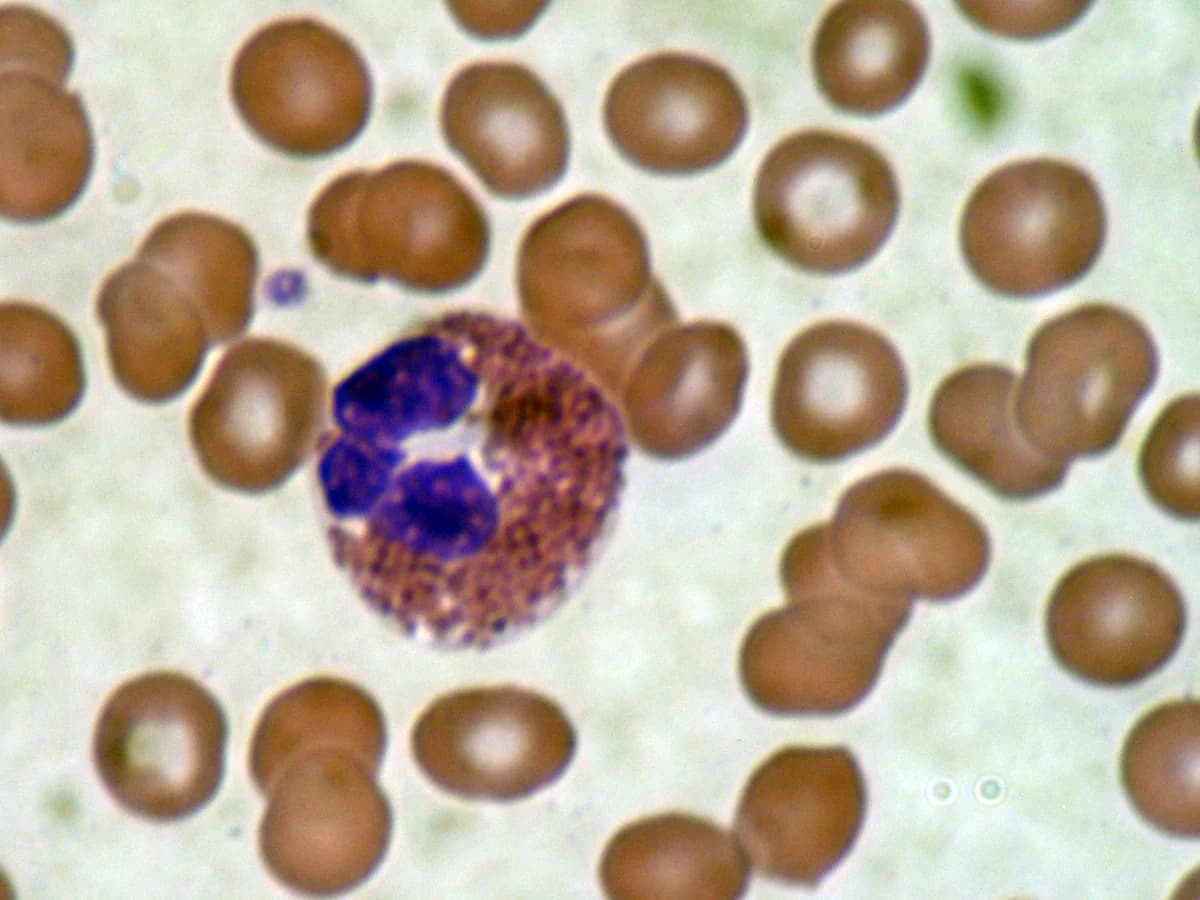
Brightfield
Count cells in blood smears, cultures and stained tissue sections. You get the count and the density.
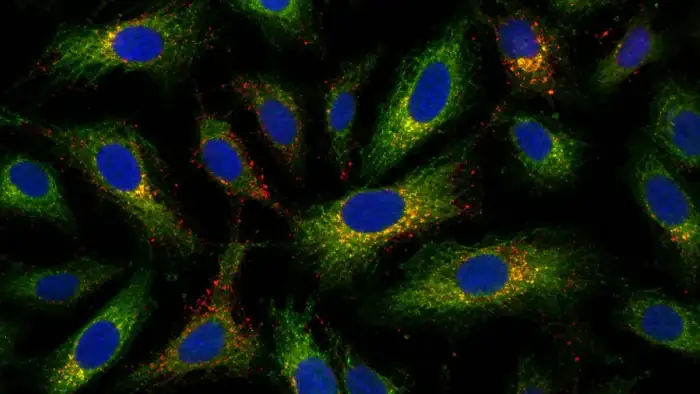
Fluorescence
Count cells labeled with DAPI, Hoechst, GFP or another single-channel marker. You pick the channel and get the count and density.
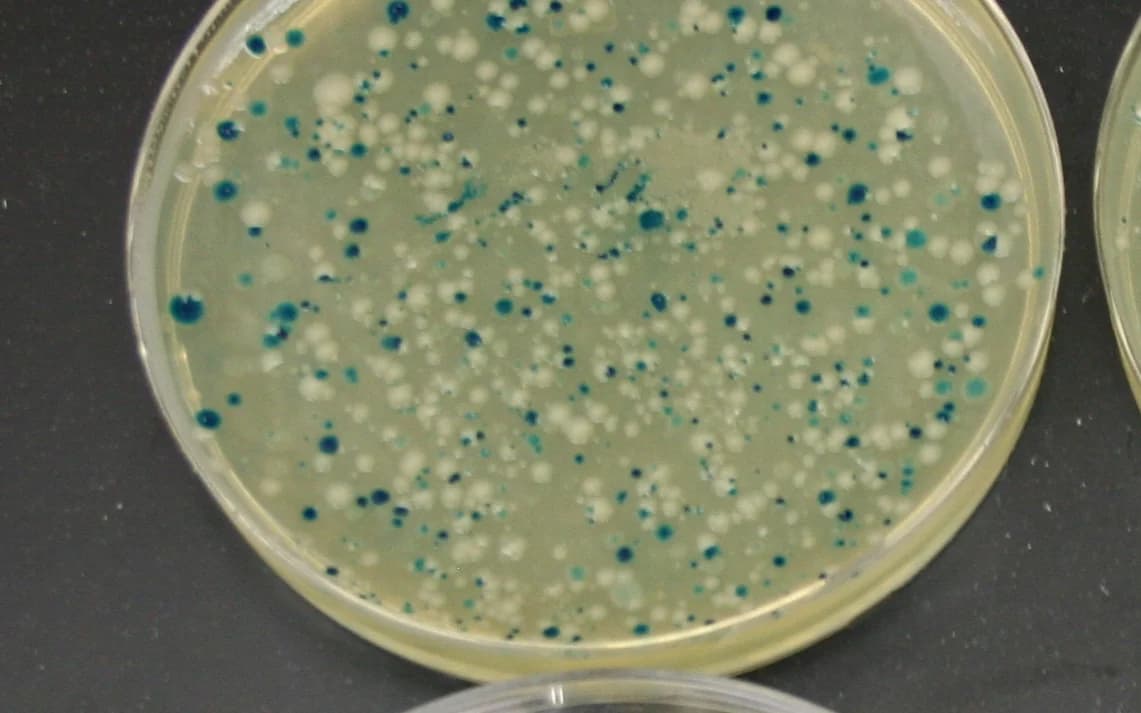
Colonies
Count colonies from an image of an agar plate, built to leave out glare, plate edges, bubbles and debris. You get the count, colony area, size distribution and locations.
Count sparse cells, crowded cells and dense cultures
Sparse cells
In blood smears, bacteria and yeast, you get the count and the location of each cell.
Crowded cells
In histology and fluorescence images, you get an outline of each cell, so the count comes with its shape.
Dense cultures
In high-density cultures and tissue sections, you get a density map and the count it adds up to.
From your image to a count
Upload
Load TIFF, PNG, JPEG or BMP files, or microscope files such as ND2, CZI and LIF.
Set what counts
Choose the channel for a fluorescence image, and set the size range of what you want counted.
Check
Review the overlay on one image. Change the settings and recount if you need to.
Run the batch
Apply your settings to the plate or folder and download the results.
Counting on a hemocytometer?
Our free calculator turns your square counts into cells/mL, total cells and viability.
ConductVision Image pricing
A license costs $1,990 per year or $3,990 for five years. Each license includes 5 seats, unlimited analysis, and cell and colony counting.
Questions
- Is this a cell counting machine?
- No. ConductVision Image is software that counts from images you upload from your own microscope or camera, so there is no counting instrument to buy.
- Which images can it count?
- It counts brightfield, fluorescence and phase contrast images, and images of agar plates. You can use the microscope or imager your lab already has.
- Can it count a whole 96-well plate?
- Yes, from your images of the plate. Set the counting rules on one image, then run them across the full plate in one batch. The export lists a count for each image and for the whole plate.
- Can it count live and dead cells?
- Yes. It counts live and dead cells in dual-fluorescence images and works out percent viability.
- How do I get CFU/mL from a plate?
- Multiply the exported colony count by the dilution factor, then divide by the volume plated in mL.
More cell measurements
Send a sample image and what you want to count
We will tell you whether it fits before you ask for a quote.