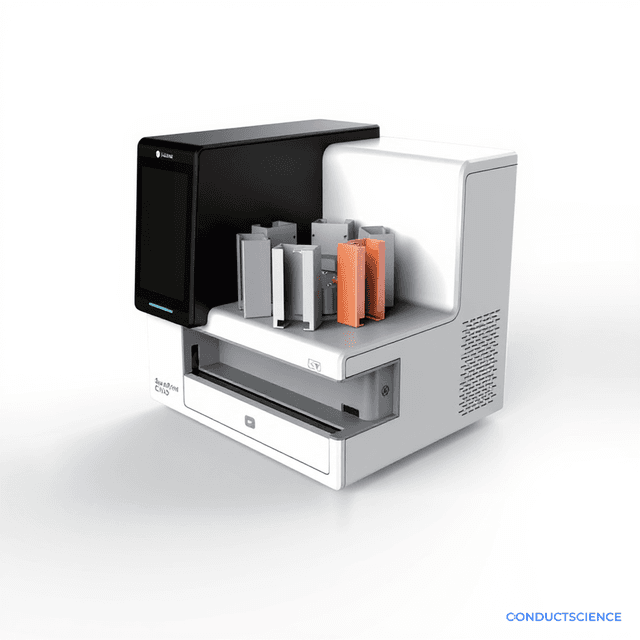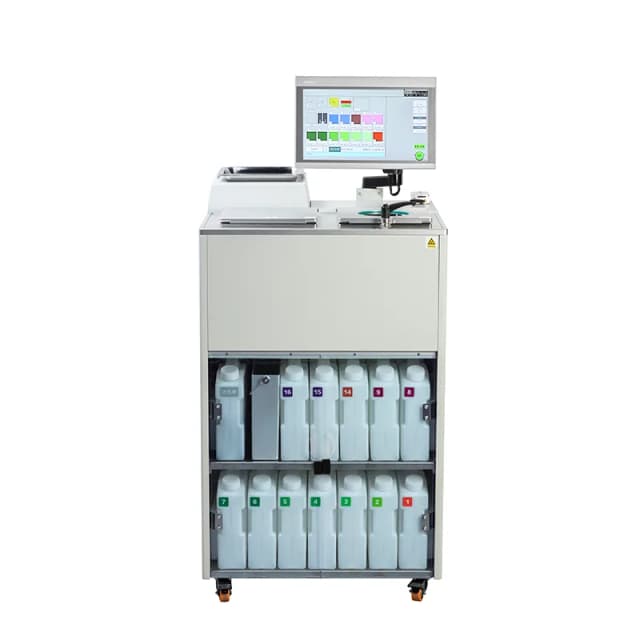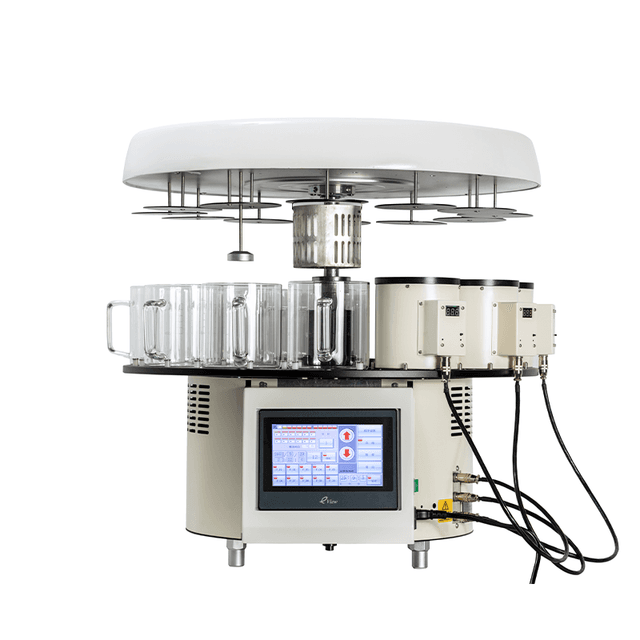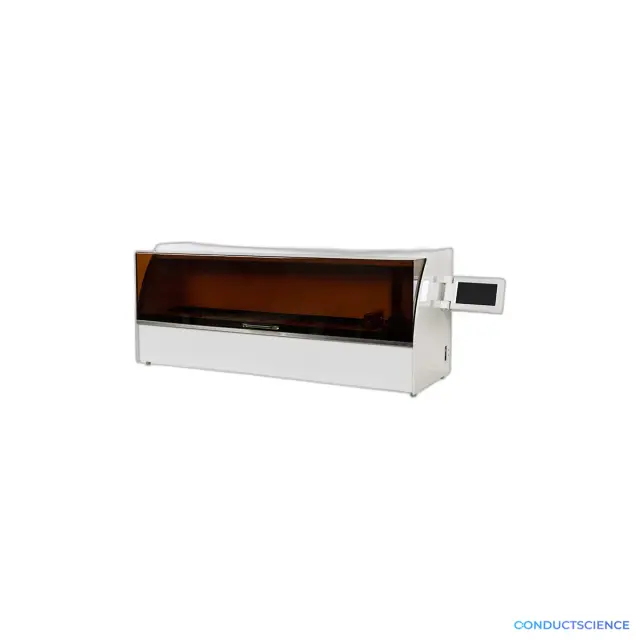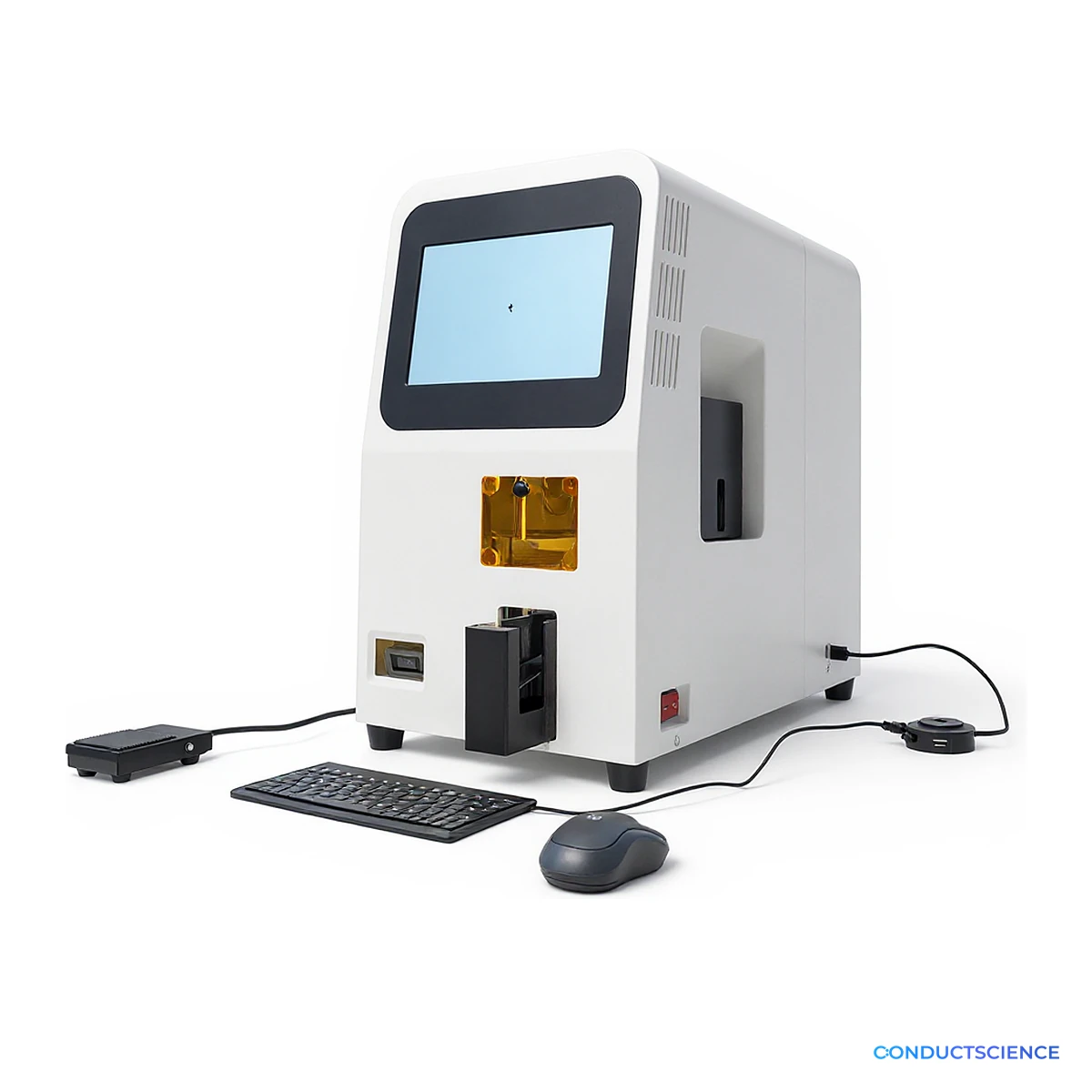
UV Laser Slide Marking System, 100-Slide Magazine
Laser-mark text and QR codes onto coated microscope slides in unattended batches, pulling each block’s information straight from its cassette barcode.
A 355 nm UV laser, AI vision positioning, and a 100-slide input magazine replace handwritten labels with uniform, scannable ones that tie every section to its block.

Louise Corscadden, PhD
Director of Science · ConductScience
Ask Louise about UV Laser Slide Marking System, 100-Slide Magazine fit, setup, configuration, or quote prep.
Already working with us? Sign in to connect this with My Scientist.
Key Specifications
Full details →- Laser
- 355 nm UV, 3 W air-cooled solid-state
- Slide Format
- 25 × 75 mm, 1 to 1.2 mm thick, coated label area
- Magazine Capacity
- 100-slide input, 50-slide output
- Data Input
- Touchscreen, Excel import (USB), Cassette barcode scanner
- Label Content
- Text, QR code, serial number
- Positioning
- AI vision positioning
Handwritten slide labels are slow, vary from person to person, and are easy to misread, and a misread label can send a section to the wrong case or study. This slide marking system etches labels onto microscope slides with a 355 nm ultraviolet laser, producing uniform text and QR codes. The laser marks the slide's coated label area instead of adding ink, so there is no ink to smear or wash off during staining and coverslipping.
Enter label data three ways: type it on the 10.1-inch touchscreen, import a batch from an Excel file over USB, or scan the barcode on a tissue cassette so the block's information goes straight onto its slides. Scanning links each slide to its block without retyping. AI-based vision positioning finds each slide's label area, so once a batch is set the system runs continuously with little manual intervention.
Load up to 100 slides in the input magazine; marked slides collect in a 50-slide output magazine. Print text, a QR code, or both, add an automatic serial number, and print one label on several slides in sequence for serial sections. Every run is logged, so you can look up what was printed and when.
Labels hold up to five lines of 14 characters each by default, and our service team can adjust the line and character limits to fit your lab's format. The system marks standard 25 × 75 mm slides, 1 to 1.2 mm thick, with a coated label area.
It pairs with the ConductScience tissue cassette laser printer: mark cassettes at grossing, then scan each cassette at microtomy to label its slides.
Plan bench space for a 25 kg unit measuring 540 × 315 × 545 mm, with at least 30 cm of open space behind it for cooling. The laser lasts longest in a room kept below 25 °C at 20 to 60% relative humidity. The standard unit runs on 220 V, 50 Hz, under 600 W; we recommend a UPS because the built-in computer needs an orderly shutdown, and we confirm the power configuration for your site with your quote.
How It Works
A built-in industrial computer runs the vision and marking software. When you start a batch, the system picks a slide from the input magazine, uses its camera and AI vision positioning to find the coated label area, and fires a 3 W air-cooled 355 nm UV laser to mark your text or QR code into the coating. The finished slide moves to the output magazine and the next one follows.
Label data comes from the touchscreen, from an Excel file on a USB drive, or from the barcode scanner, which reads a tissue cassette held at its front opening. A fan pulls marking dust into a filter bag, and a power-on self-test checks the system before each session.
Features & Benefits
Laser
- 355 nm UV, 3 W air-cooled solid-state
Slide Format
- 25 × 75 mm, 1 to 1.2 mm thick, coated label area
Magazine Capacity
- 100-slide input, 50-slide output
Data Input
- Touchscreen
- Excel import (USB)
- Cassette barcode scanner
Label Content
- Text, QR code, serial number
Positioning
- AI vision positioning
Average Laser Power
- Above 3 W at 40 kHz
Display
- 10.1 in, 1280 × 800 capacitive touchscreen
Connectivity
- Gigabit Ethernet, USB 2.0, USB 3.0
Records
- Run logs and print history
Dimensions
- 540 × 315 × 545 mm
Weight
- 25 kg
Power Consumption
- Under 600 W
Power/Voltage
- 220V, 50Hz
Operating Environment
- Below 25 °C, 20 to 60% RH
Brand
- ConductScience
Research Domain
- Histopathology
Practical Tips
Use 25 × 75 mm slides, 1 to 1.2 mm thick, with a coated label area, and load them coated side up.
Why: Other sizes can collide with moving parts, and marking the wrong side leaves coating debris that disturbs the vision system.
Load only the slides you plan to mark soon, and empty the magazine before long idle periods.
Why: Slides left in the magazine can stick together in humid air and fail to feed.
Connect the system through a UPS and shut down the software before switching off power.
Why: The built-in computer has no power-fail resume, and a sudden power cut can damage it.
Clear glass and coating debris daily, replace the dust bag weekly, vacuum inside monthly, and clean the coaxial mirror every six months.
Why: Dust on the optics blurs the camera image and reduces laser power.
Keep the room below 25 °C, with at least 30 cm of free space behind the unit.
Why: Heat shortens laser life.
Let the 5-minute startup countdown finish before marking.
Why: The software loads the vision program and brings the laser up during the countdown.
Setup Guide
What’s in the Box
- Slide marking system with built-in computer and 10.1-inch touchscreen
- Input magazine (100 slides) and output magazine (50 slides)
- Barcode scanner
- USB docking station, mouse, and keyboard
- Amber protective viewing panel
- Power cord
- User manual
Compliance
What slides can it mark?
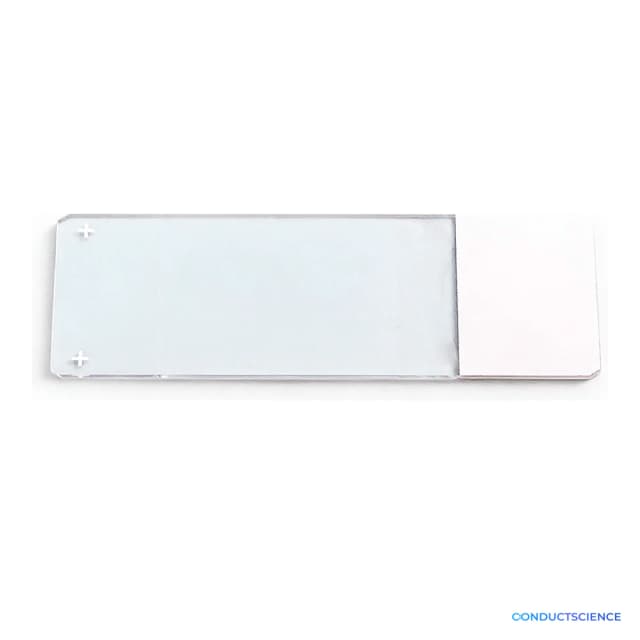
Standard 25 × 75 mm microscope slides, 1 to 1.2 mm thick, with a coated (painted) label area, loaded coated side up. ConductScience adhesion slides with a white painted label area fit this format.
Can it read our tissue cassette barcodes?
Yes. Hold a cassette at the scanner's front opening and it reads the barcode automatically, then labels the slides with that block's information. Send us a sample cassette label if you want us to confirm your format before ordering.
How much text fits on a label?
By default, up to five lines of 14 characters each, plus an optional QR code and serial number. Our service team can adjust the line and character limits to fit your lab's labeling format.
Will the labels survive staining and coverslipping?
The laser marks the label into the slide's coating instead of printing ink on top, so there is no ink to smear or wash off during staining and coverslipping.
How is it different from a tissue cassette printer?
A cassette printer marks tissue cassettes at grossing; this system marks microscope slides at microtomy. Used together, the slide marker scans each cassette's barcode and prints the matching label on its slides, so block and slides carry the same identifier.
What power and room conditions does it need?
The standard unit runs on 220 V, 50 Hz, and draws under 600 W; we confirm the power configuration for your site with your quote. Keep the room below 25 °C at 20 to 60% relative humidity, and use a UPS because the built-in computer needs an orderly shutdown.
What maintenance does it need?
Clear glass and coating debris daily, replace the dust filter bag and wipe the marking area weekly, vacuum the interior monthly, and clean the coaxial mirror with alcohol every six months.
Have a question about this product?
Have a question? Just ask.
Send it over and we'll email you a personalized answer, with no call or scheduling.
Prefer to talk it through?
Accessories
Enhance your setup with compatible accessories
Frequently Bought Together