ConductVision Enterprise

Weapon Detection

ConductVision times the queues at entrances and screening lanes and, in a pilot, flags carried items on the venue's screening list for staff to review.

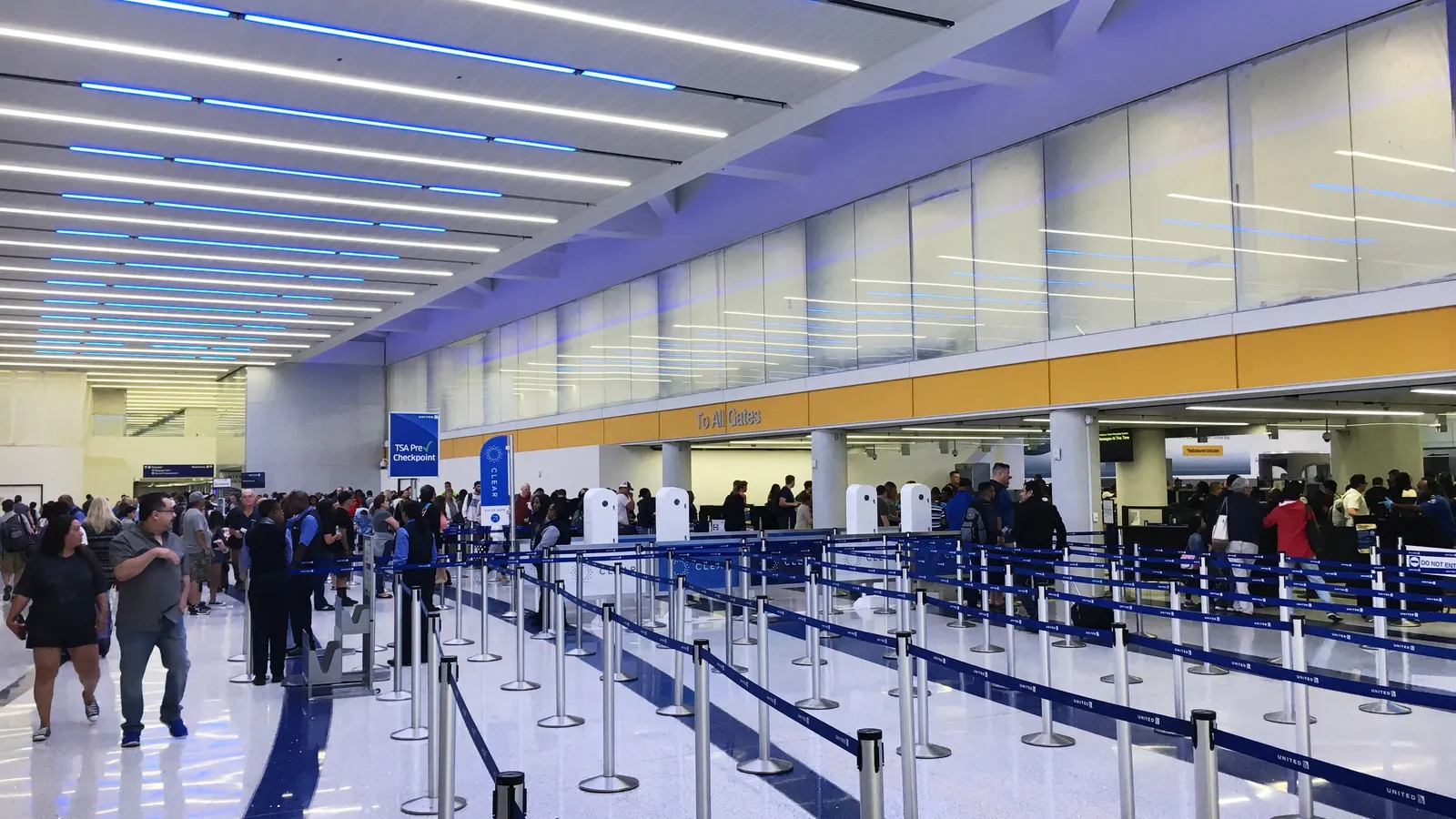
Travelers wait in line and pass through the scanners at an airport security checkpoint in New Orleans, seen from an upper floor; boxes mark 19 people, 4 backpacks, a bag and a suitcase.25 detections
Airport checkpoint in New Orleans
  • Backpack4
  • Person19
  • Bag1
  • Suitcase1

ConductVision detections on this photo. Photo: Tony Webster, CC BY 2.0, cropped.

Weapon Detection identifies firearms, knives, and other threat objects in video feeds to support security operations. The system is designed with full transparency about its capabilities and limitations: detection rates vary by weapon type, concealment level, and environmental conditions. It is intended as a supplementary layer for trained security personnel, not a replacement. All detection thresholds are configurable, and false positive rates are reported openly so operators can tune sensitivity to their specific risk tolerance. The system is built for environments subject to security screening requirements.

Outcomes

What your team gets

Screening lanes that keep moving

Entrance screening slows at peak times, and queues spill out of the building.

Long waits frustrate visitors and pull staff from the lanes to manage the line.

How
ConductVision counts the people and bags in each lane's queue, frame by frame.
You get
Queue length and wait time per lane by hour, to plan lane openings and staffing.
Bags that miss the checkpoint

Visitors with bags can reach the inside through side doors, staff entrances or a lane left open.

Each one is a gap in the screening the venue promised its visitors.

How
In a pilot, ConductVision follows people carrying backpacks, handbags or suitcases from the door and flags any who skip the screening lanes.
You get
A log of unscreened entries by door and hour, with a still of each.

Flags a screener can clear fast

A camera flag helps only if a screener can check it in seconds.

Flags that take long to review hold up the lane or get waved through.

How
In a pilot, each flag from the screening classes trained on the venue's own footage arrives with a still and a short clip.
You get
A review queue with the flagged item marked, and each decision and its time logged.

What the model sees

Detections in two more settings

Passengers walk through rows of queue lanes toward the screening area of a central checkpoint at Los Angeles International Airport; boxes mark 18 people, 2 backpacks and 2 bags.
Central checkpoint at Los Angeles
  • Person18
  • Bag2
  • Backpack2

ConductVision detections on this photo. Photo: Edward Russell, CC BY 2.0, cropped.

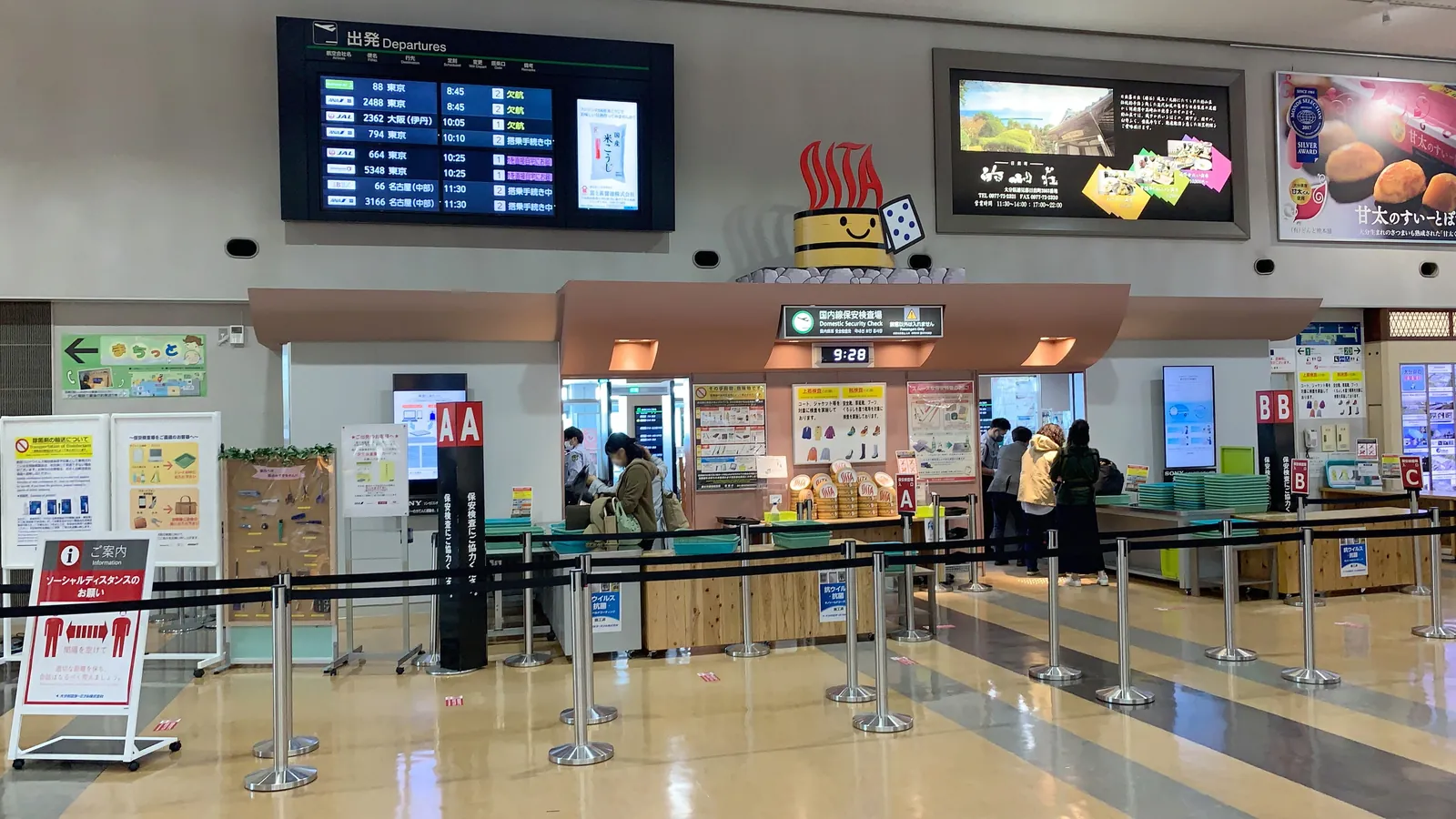
Travelers place their belongings in trays at the domestic security checkpoint of Oita Airport in Japan; boxes mark 6 people and a bag.
Domestic checkpoint at Oita Airport
  • Person6
  • Bag1

ConductVision detections on this photo. Photo: Project Kei, CC BY-SA 4.0, cropped.

Endpoints

What a pilot measures

Each endpoint is defined before the pilot starts, with what is counted, its unit and how the results are broken down.

What a pilot measures
PrimaryTime to staff reviewSeconds from a flag reaching the screening team to a reviewer marking it cleared or sent for a bag check.Unit:seconds (median)By:Entrance, shift
SecondaryScreening waitMinutes from a person joining a lane's queue zone to reaching the screening point.Unit:minutes (median)By:Lane, hour
Unscreened entriesPeople with bags who reach the inside without passing a screening lane, counted once per person.Unit:entries per dayBy:Door, hour
Flag rateScreening flags raised per 1,000 people entering, counted before and after staff review.Unit:flags per 1,000 entriesBy:Entrance, item class

How we check the model

Each pilot measures ConductVision on your own footage against a sample checked by hand, before anyone relies on its numbers.

  • Flag precision

    Share of screening flags that a reviewer confirms as an item on the venue's list, in a hand-checked sample of clips.

    % · by camera, item class

  • Test-pass detection

    Share of planned test walk-throughs, with staff carrying sample items from the list, that ConductVision flagged.

    % · by lane, item class, how the item is carried

  • False flags

    Flags a reviewer rejects, such as umbrellas, tripods or phones, per lane per day.

    flags per lane-day · by lane, item class

How it works

Weapon Detection in three steps

  1. Connect

    Connect Security Cameras

    Position cameras at entry points, hallways, and open areas where weapons might be visible. The system works with existing surveillance infrastructure, no specialized cameras required.

  2. Analyze

    Threat Object Classification

    Detection models identify weapon-like objects and classify them by type (handgun, rifle, knife, blunt weapon). Confidence scores reflect the model's certainty, and detections below a configurable threshold are suppressed.

  3. Act

    Alert Security Personnel

    Detections above the confidence threshold trigger alerts to security operations centers with a snapshot, camera location, and classification. Security personnel make all response decisions, the system never initiates autonomous actions.

What it detects

Classes the models report

  • Person

    Each person in the entrance view, tracked from the door to the lane

  • Backpack

    Carried on the back or in hand, linked to the person carrying it

  • Handbag

    Bags carried by hand or on the shoulder, linked to their carrier

  • Suitcase

    Wheeled and hand-carried cases in the lane and the queue

  • Screening classes

    Items on the venue's screening list, trained on its own footage in a pilot

Features

What the system does

Firearm Detection
Identifies handguns, rifles, and shotguns when visibly carried or brandished. Detection accuracy is highest for weapons held in open view and decreases for partially concealed items.
Edged Weapon Detection
Detects knives, machetes, and other bladed weapons. Performance is best on larger blades; small folding knives in hand are more challenging and reported with lower confidence.
Configurable Sensitivity Thresholds
Operators set detection confidence thresholds per camera and weapon type. Higher thresholds reduce false positives at the cost of some missed detections, and vice versa.
Transparent False Positive Reporting
The system logs every detection with its confidence score and provides daily, weekly, and monthly false positive rate reports. This data helps operators tune thresholds over time.
Human-in-the-Loop Design
All detections are routed to human operators for verification. The system explicitly does not make access control decisions or initiate lockdowns autonomously.
Integration with VMS Platforms
Outputs integrate with major video management systems (Milestone, Genetec, Avigilon) to highlight detection events in existing security operator workflows.

Use cases

Where teams put it to work

School Security Augmentation

Schools need additional security layers beyond access control. Weapon Detection can provide an alert to security staff when a firearm is visibly present, supplementing existing security measures.

educationgovernment

Corporate Campus Security

Large campuses with multiple entry points cannot station security personnel everywhere. Camera-based detection can extend the coverage area that a security team effectively monitors.

corporate

Event Venue Screening Support

Concert venues and stadiums use metal detectors at entry. Camera-based detection can add a visual screening layer at perimeters and common areas beyond the entry checkpoint.

eventshospitality

Public Transit Security

Transit agencies monitor thousands of cameras across stations and vehicles. Automated detection can highlight feeds that require immediate security attention, reducing operator fatigue.

transportationsmart city

Retail Loss Prevention

Retail locations in high-risk areas benefit from an additional alert layer. Detection of weapons during robbery attempts can trigger silent alerts to law enforcement.

retail

Technical overview

Inputs, outputs and hardware

Accuracy and speed are measured on your footage and cameras during the pilot, and reported with the conditions they were measured under.

Models
Object detector (YOLO family) for people and carried items, with screening classes trained on your footage in a pilot
Input formats
RTSP, ONVIF, MP4, HLS
Output formats
JSON, MQTT, Webhooks, VMS integrations
Hardware
NVIDIA Jetson, Intel NUC, on-premise GPU servers

Pilot

Evaluate weapon detection on your footage

A pilot takes one prioritized outcome, runs on your cameras, reports the endpoints above and ends with a results review and a decision.